

Getting Started — Teachers
Note: Teacher/Admin/Superadmin dashboards are optimized for desktop use.
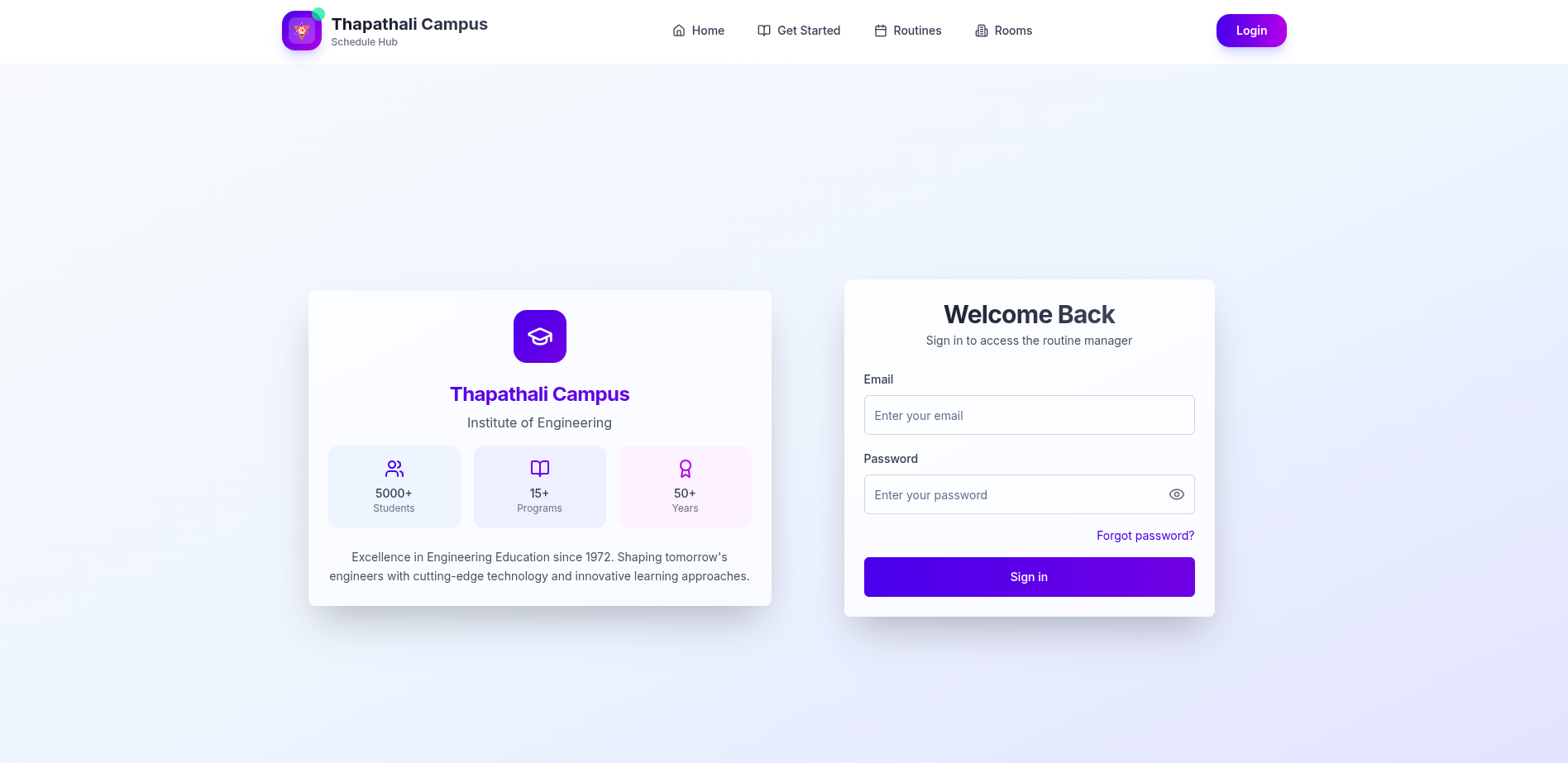
Login
Access your dashboard and schedule.
- Open
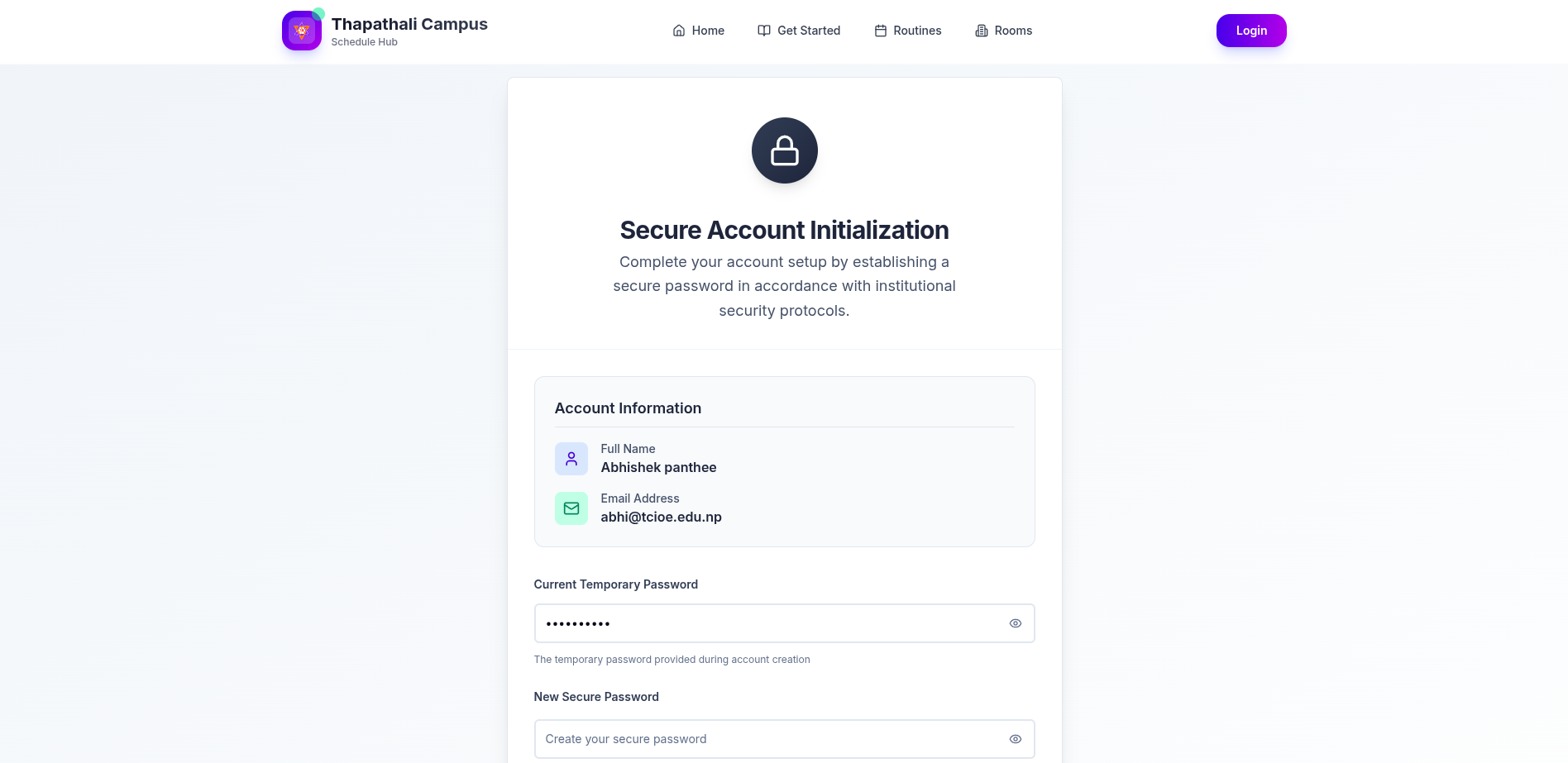
/loginand sign in with your credentials. - If prompted, complete first-time password setup.
- You will be redirected to
/me(Teacher Dashboard).
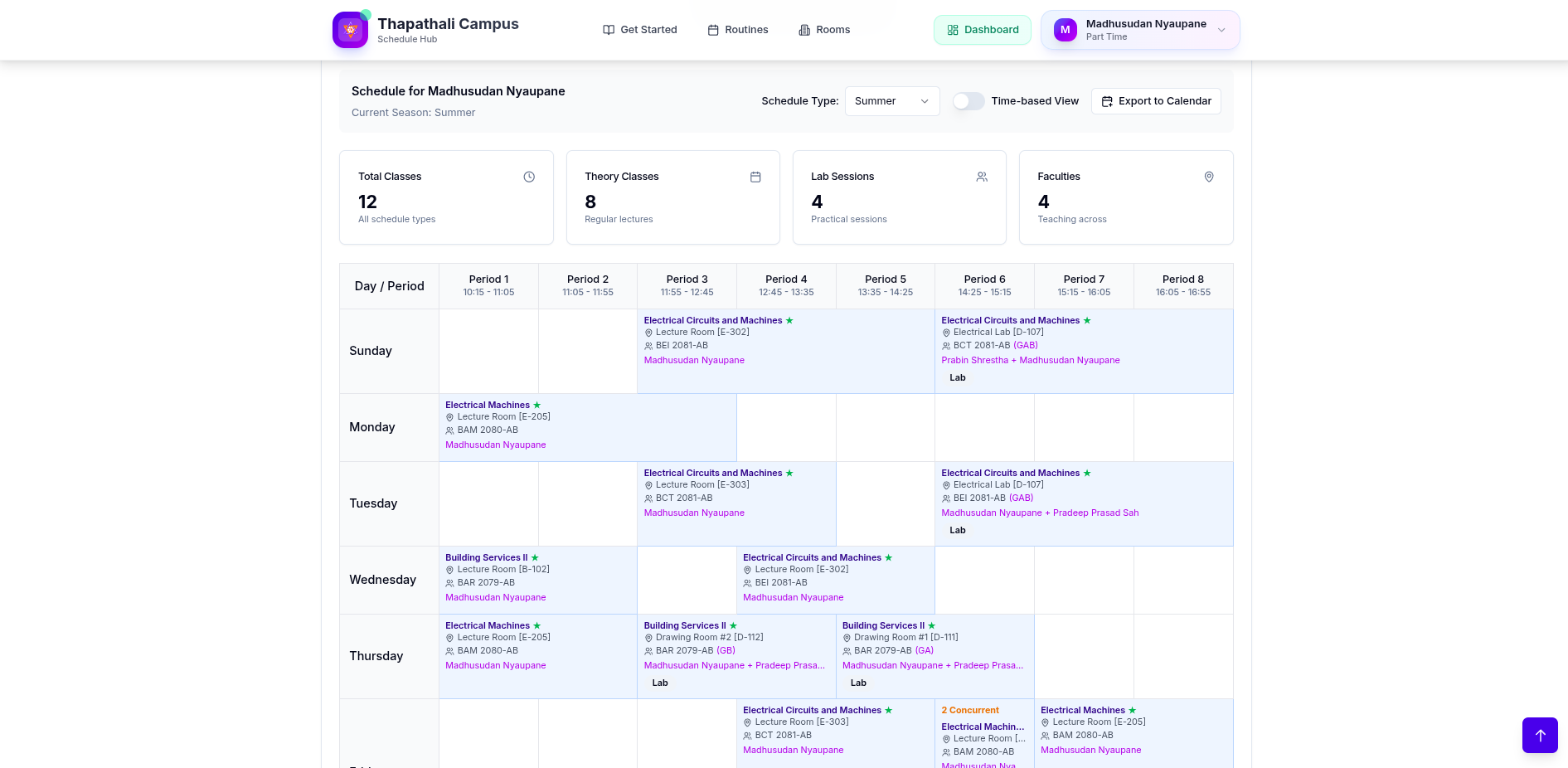
View Schedule
See your weekly classes and conflicts.
- Your weekly schedule appears in the dashboard.
- Use print to save a PDF if needed.
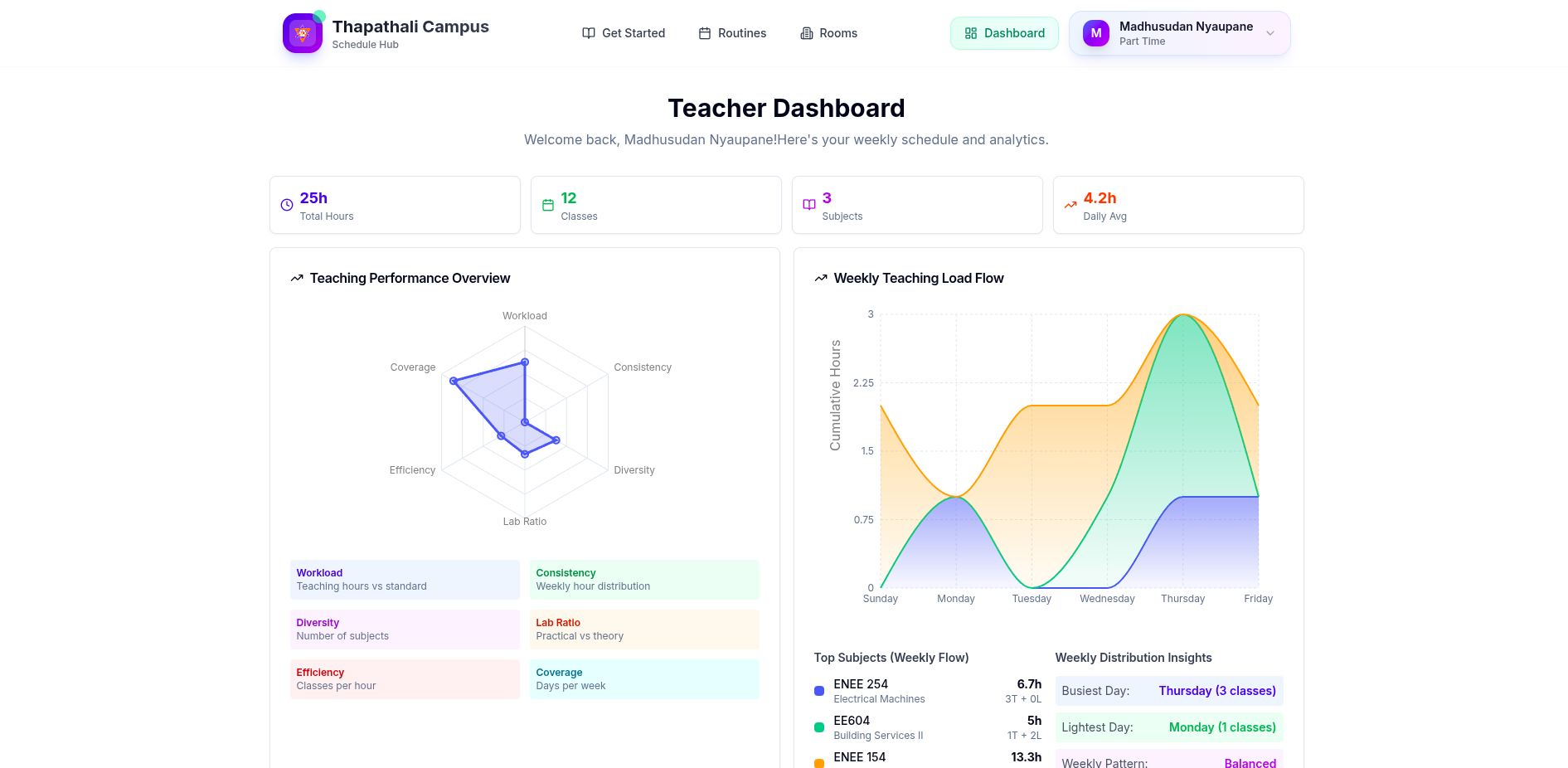
Dashboard Stats
Key totals and quick insights for your classes.
- Compact stats show class counts and distribution.
- Use them to spot load at a glance.
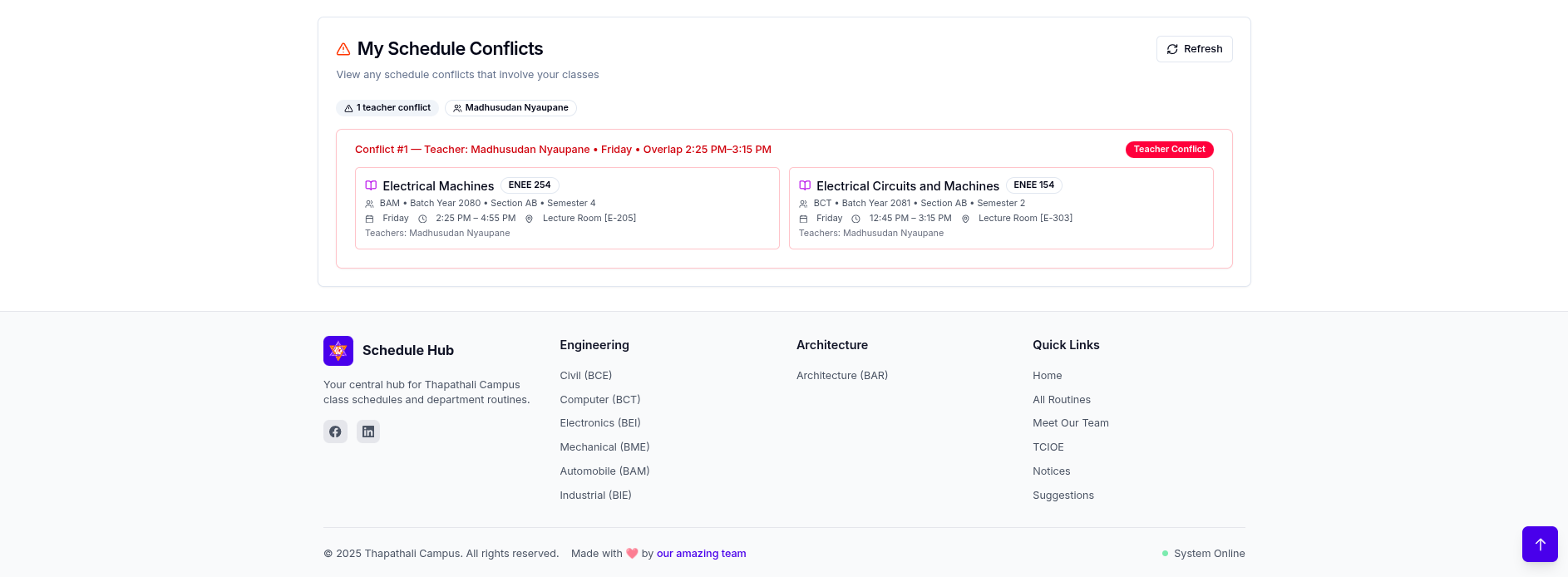
Conflict Viewer
Check overlapping sessions and resolve issues.
- Open the conflict panel to view room/teacher overlaps.
- Use filters to narrow by day or section.
Export to Calendar
Download an .ics file to add to your calendar.
- Click Export to Calendar if available.
- Import into Google, Outlook, or iCloud to receive reminders.
For password issues, use Forgot Password on the login page and follow the email link.
Back to Overview