
Getting Started
IOE Intelligent Class Routine Management System helps students, teachers, and administrators view, manage, and publish academic schedules. Pick your role to get tailored, step-by-step guidance.
Choose Your Role
System Overview
System Overview
A quick tour of where things are and what you can do.
- Routines: Browse programs and sections under Routines.
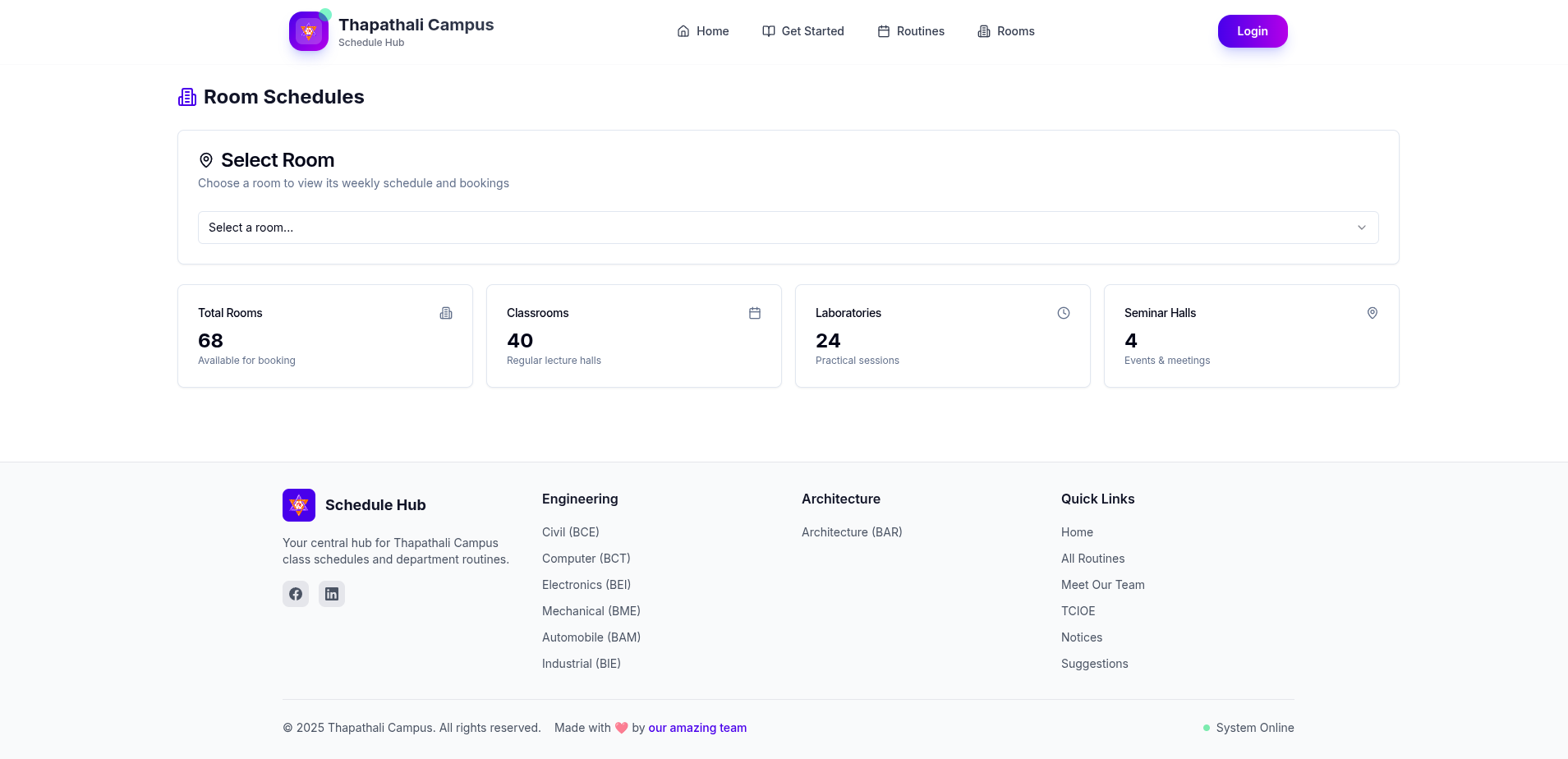
- Rooms: View weekly availability for any room under Rooms.
- Teachers: Authenticated teachers see a personal dashboard at
/me. - Admins: Plan, edit, and publish routines at
/admin. - Superadmins: Manage permissions, progression, and reports at
/superadmin.
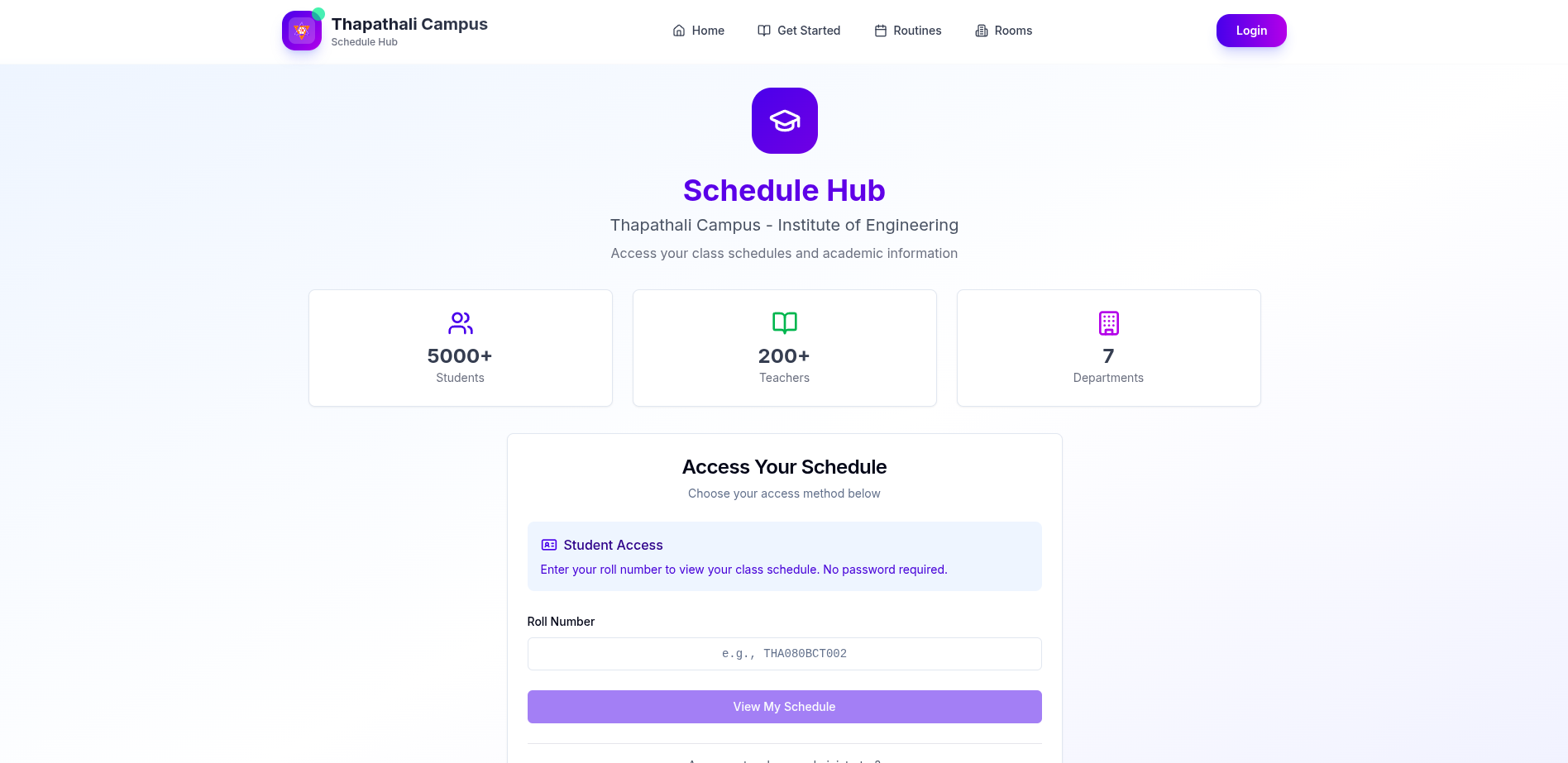
Homepage & Navigation
Main landing with top nav and quick actions.
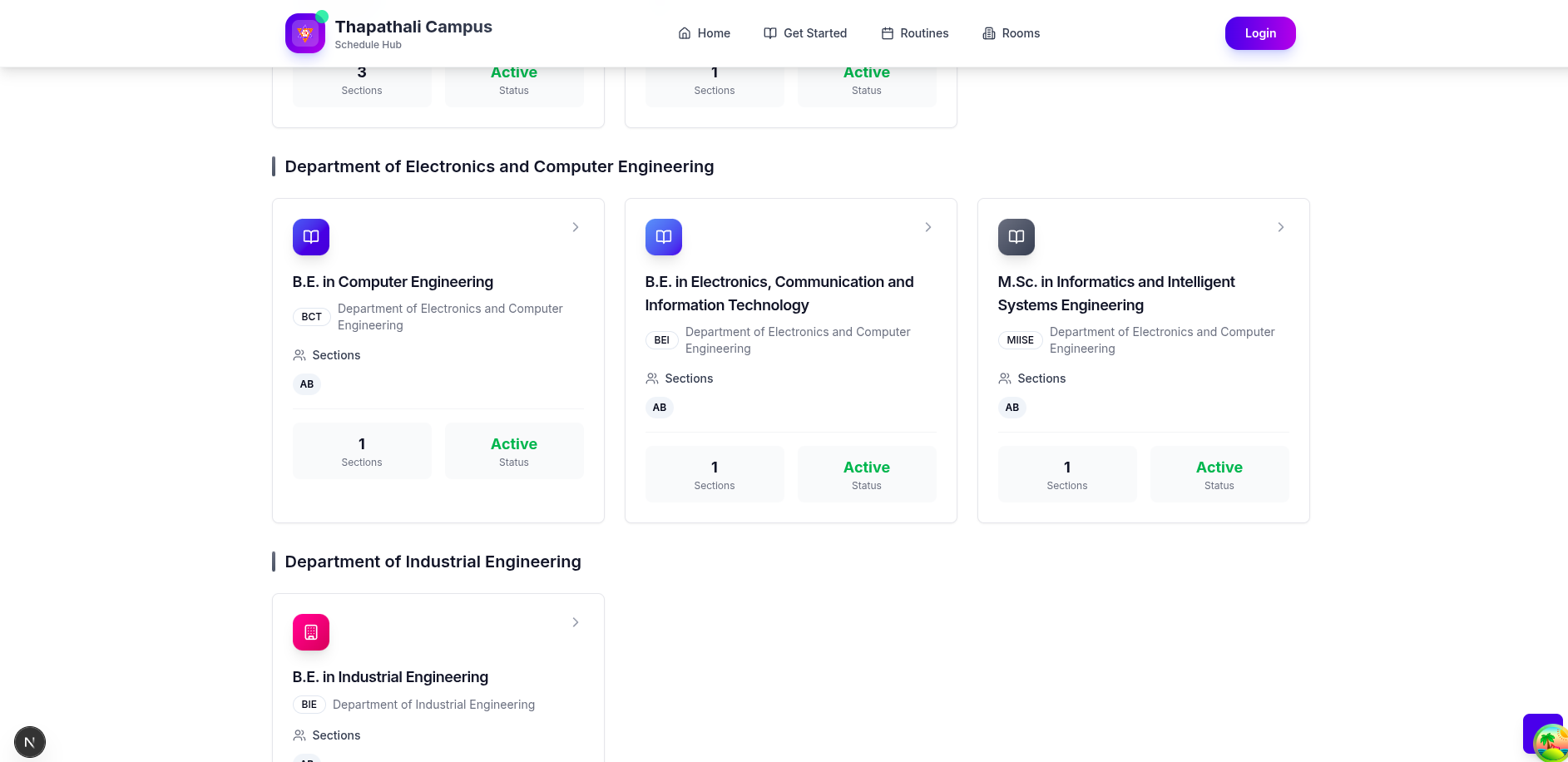
Routines
Browse programs and open routine grids.
Rooms (Weekly)
See weekly bookings across rooms.
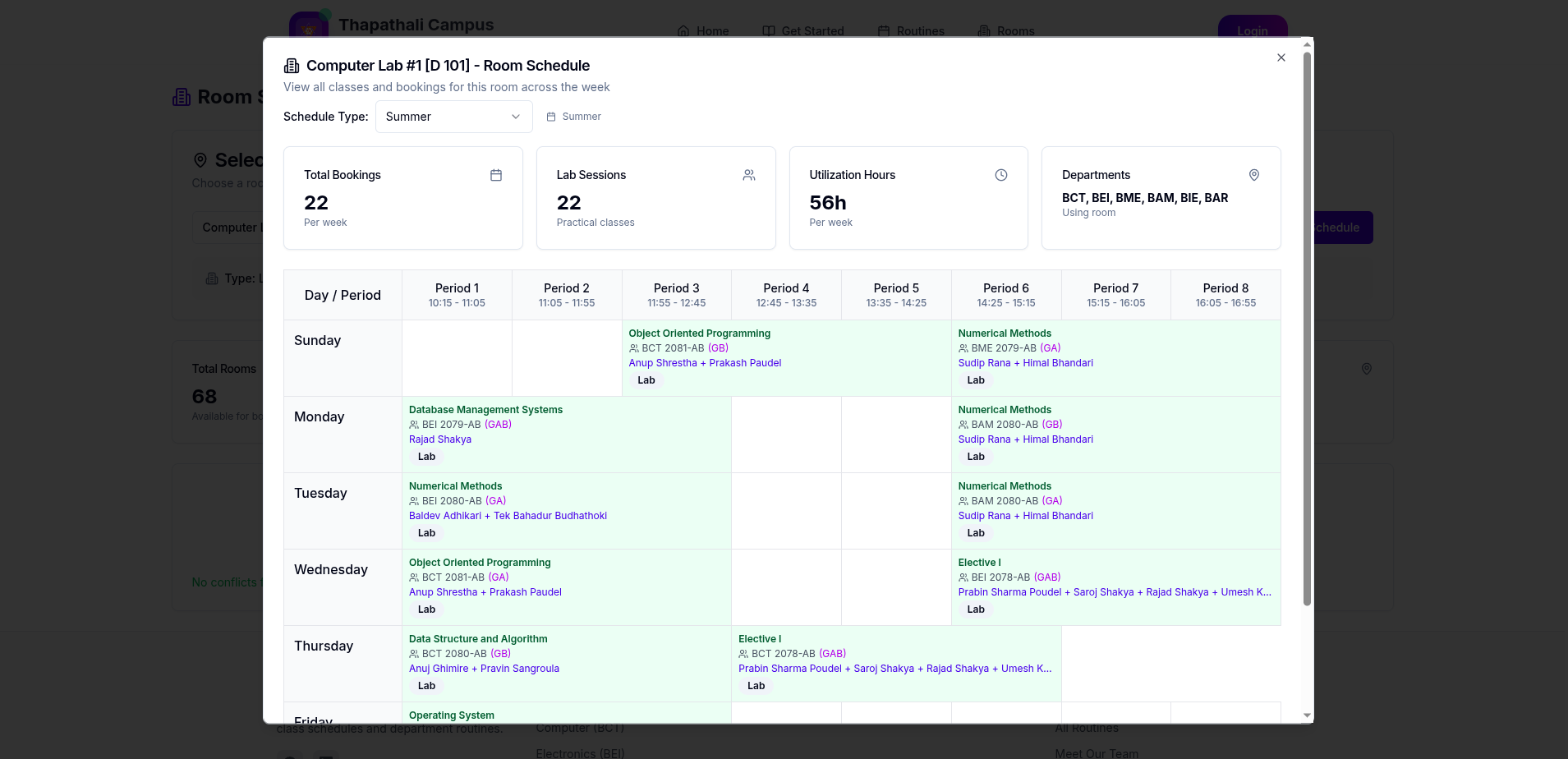
Rooms (Details)
Drill down into room usage.
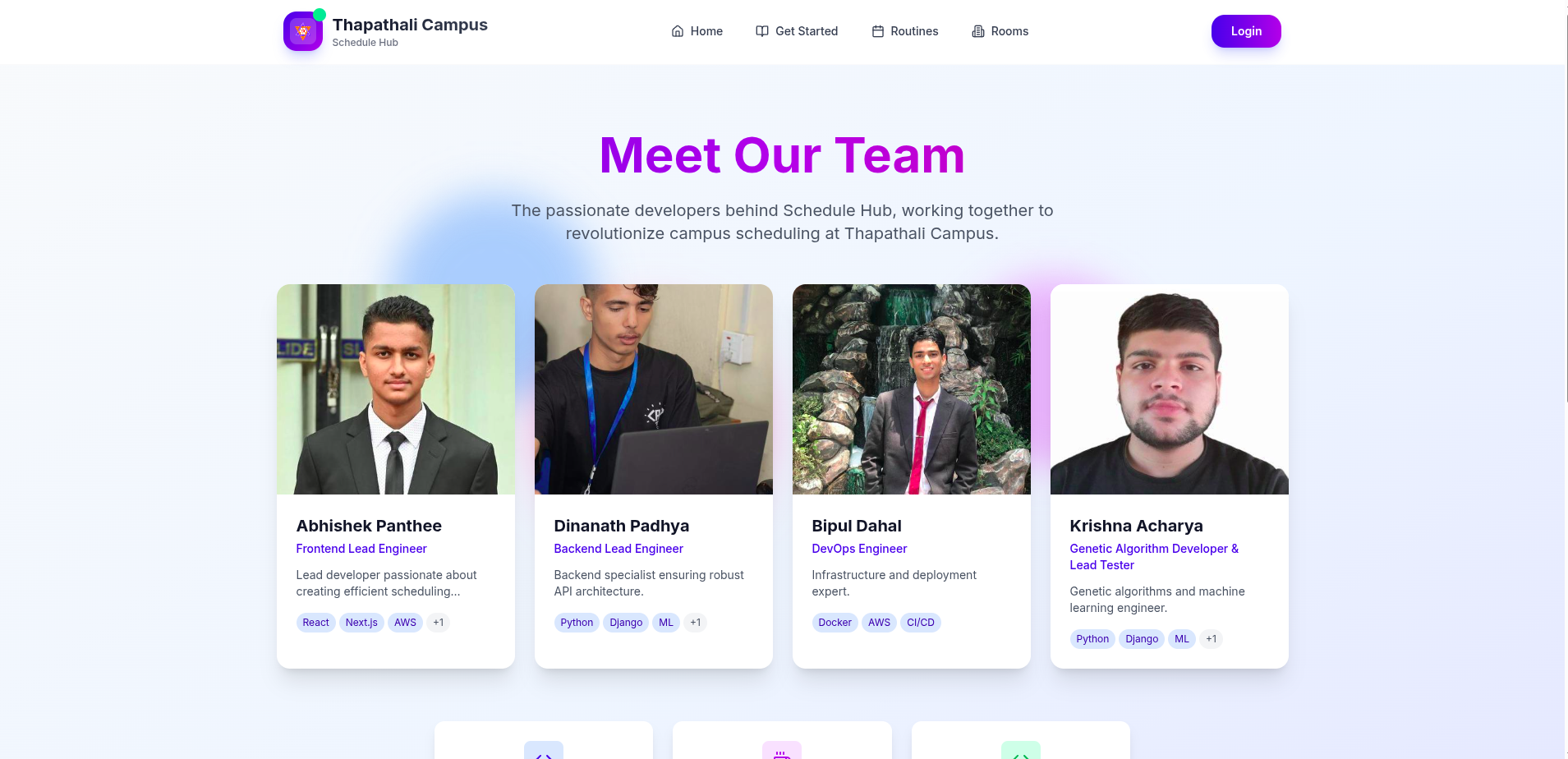
Developers
About and contributors.
Accounts & Passwords
Staff and teachers sign in; students usually don't need accounts.
- Go to
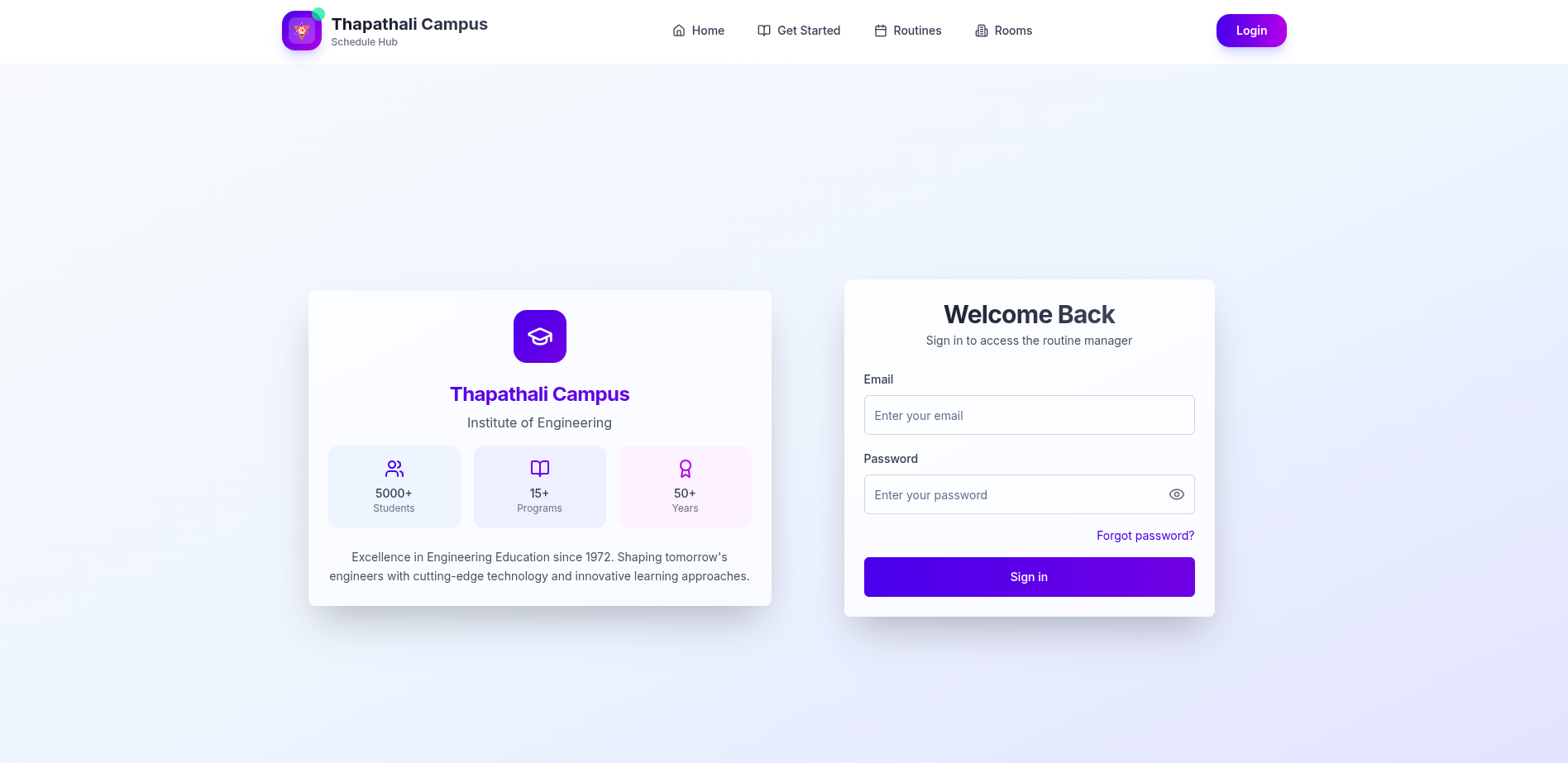
/loginand enter your email and password. - First-time users may be prompted to set a new password; follow the flow to complete setup.
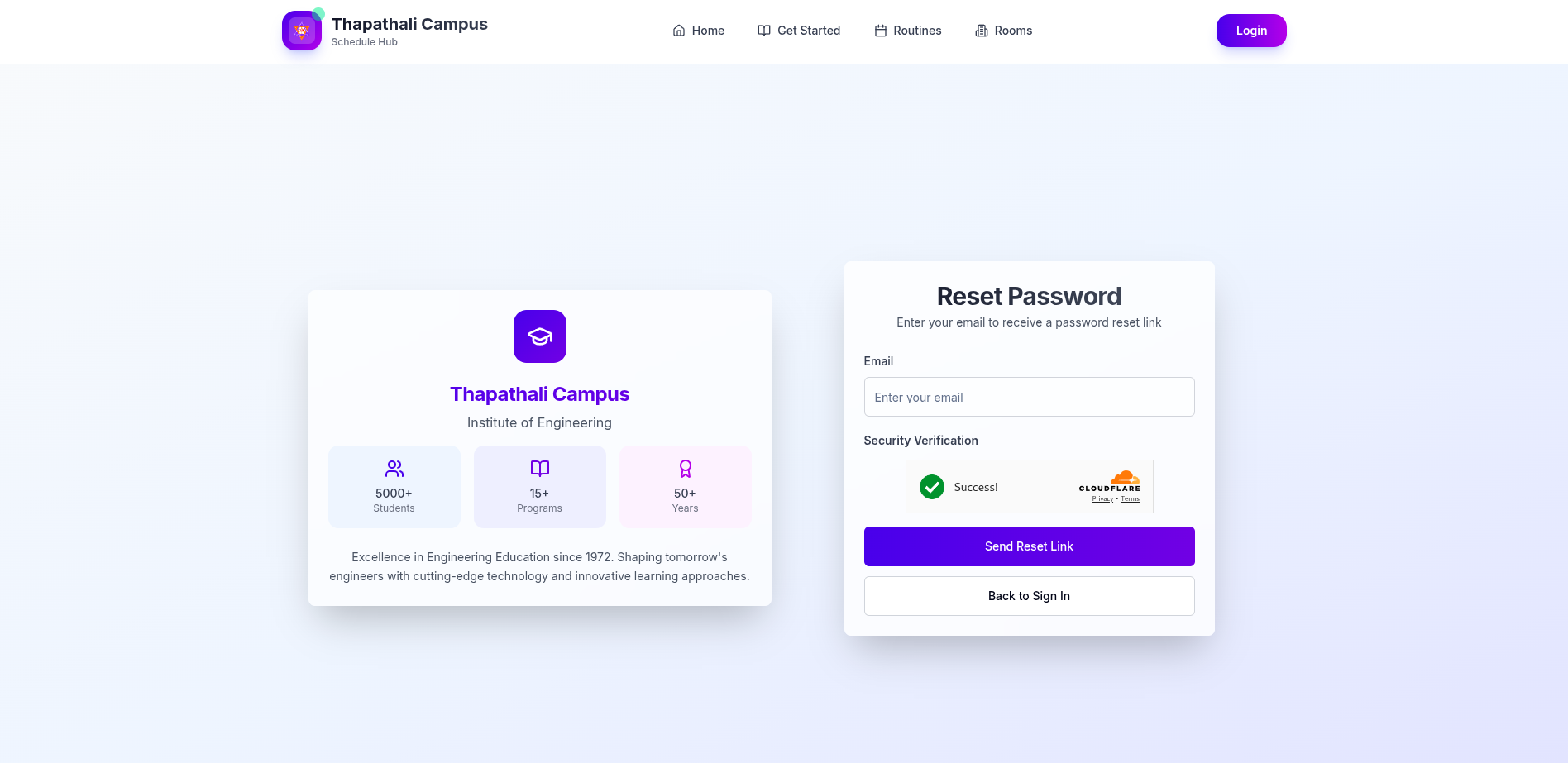
- Forgot your password? Use Forgot Password on the login screen, then finish via
/reset-password.